
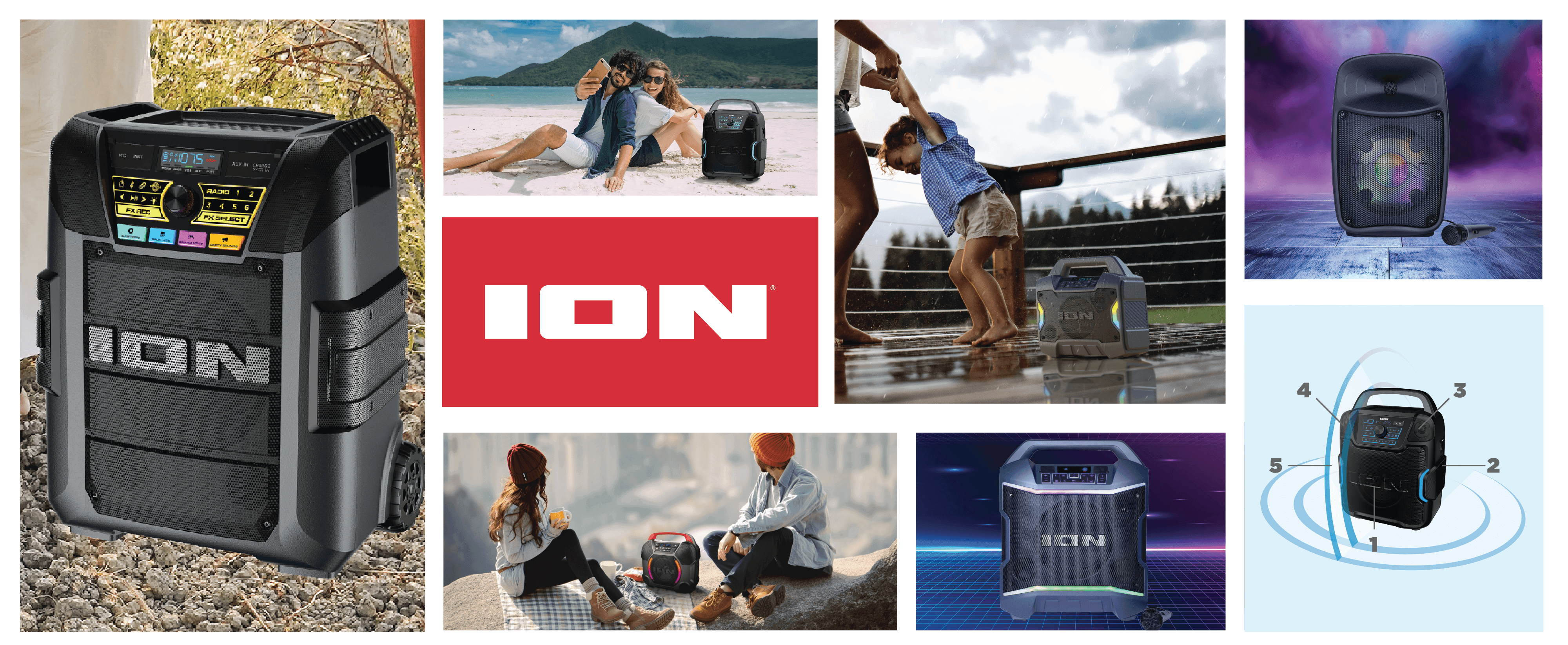
Game Day™ Primetime
Portable Rechargeable Speaker With Lights
Portability and Convenience Combines in This Powerful Indoor/Outdoor Portable Speaker.
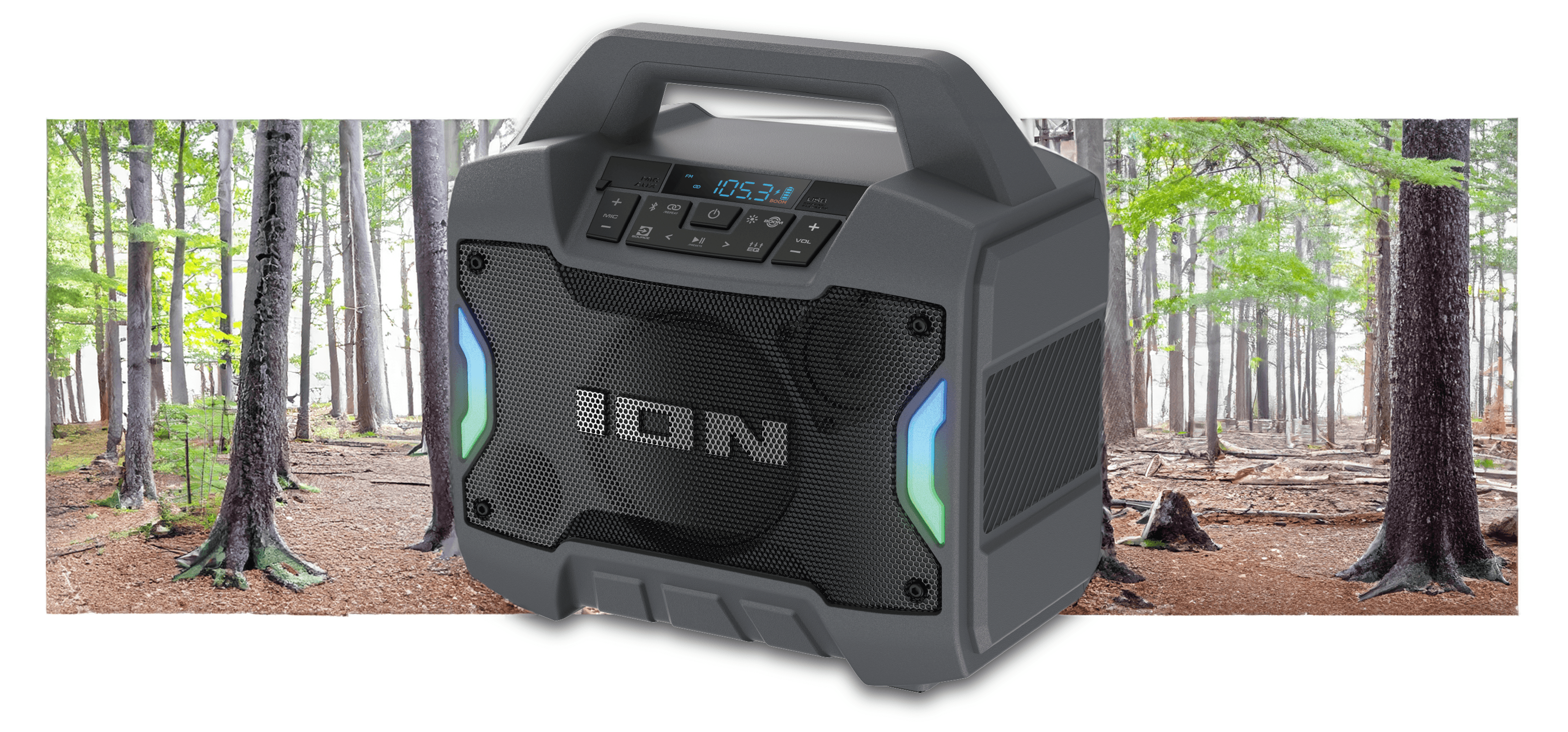
Total PA™ Ultimate
High-Power Speaker System with Premium Wide Sound, Ultimate Bass™ and Edge-Glow™ Lights with 2 microphones included
Total PA™️ Ultimate's 650 watts is the new premium standard in powerful PA sound with brilliant and colorful party lighting effects!
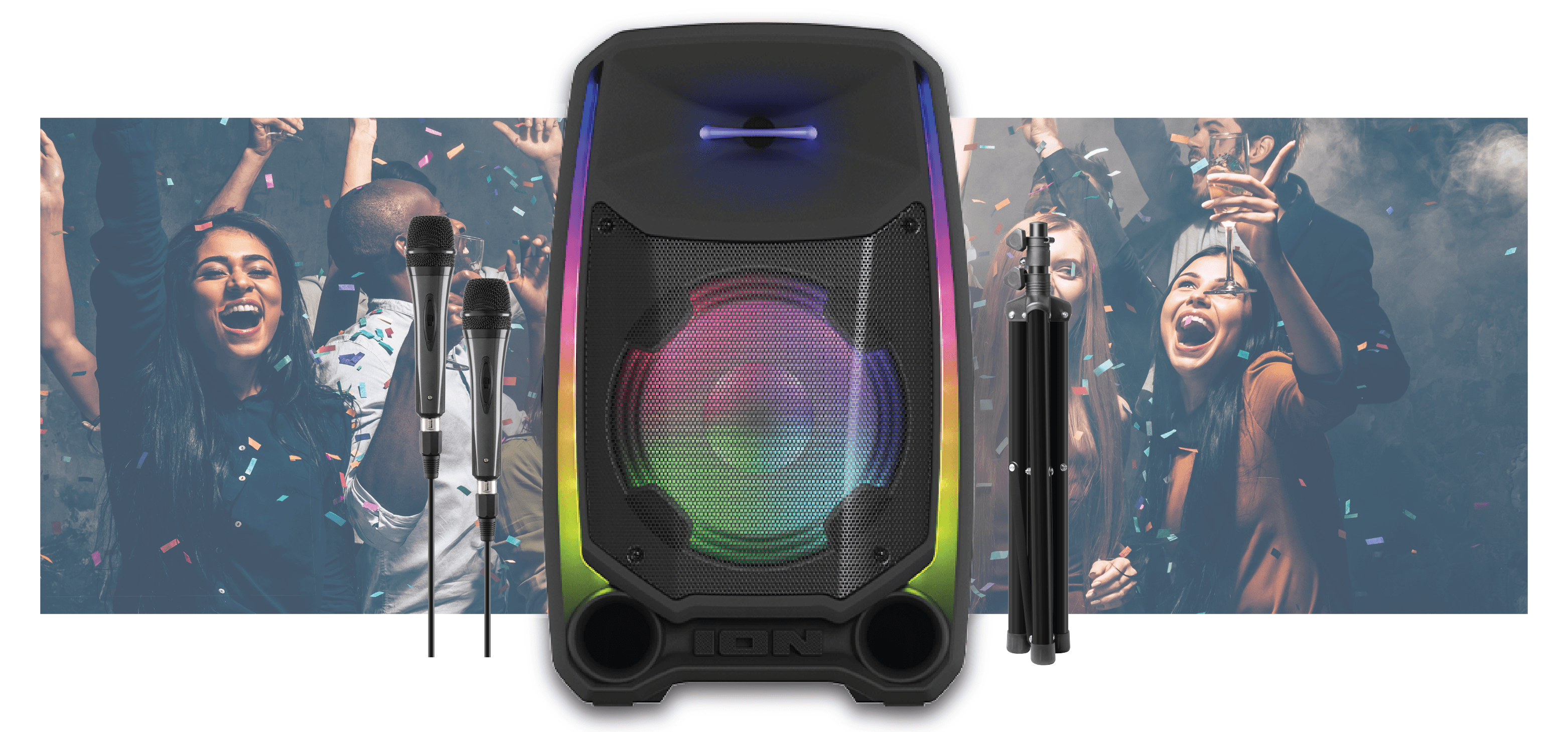
Block Rocker® XL
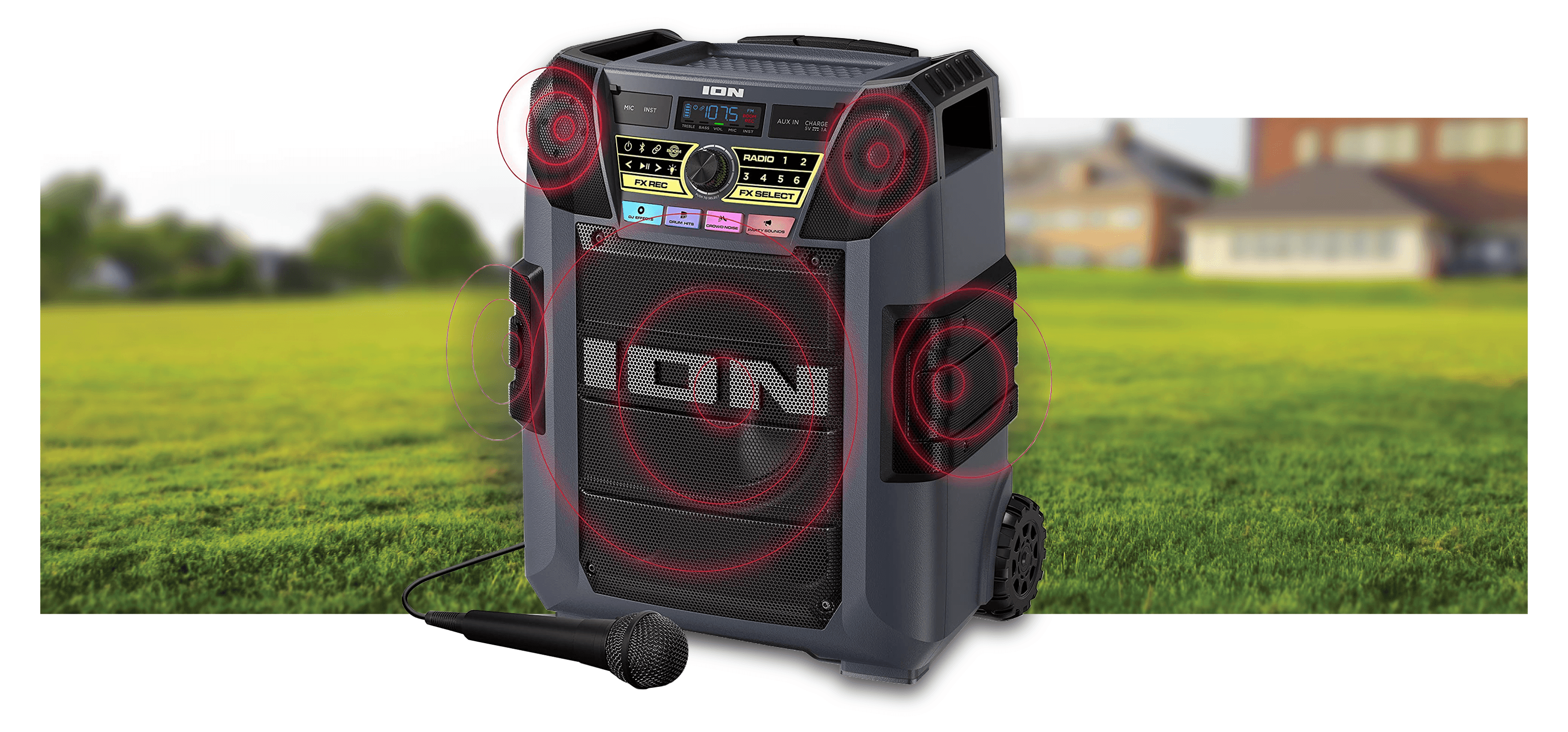
High-Power All-Weather Bluetooth®️-Enabled Speaker With Premium 5-Speaker Sound
A total of 5 speakers provides this new PA system with massive omni-directional sound.
Popular Products
-
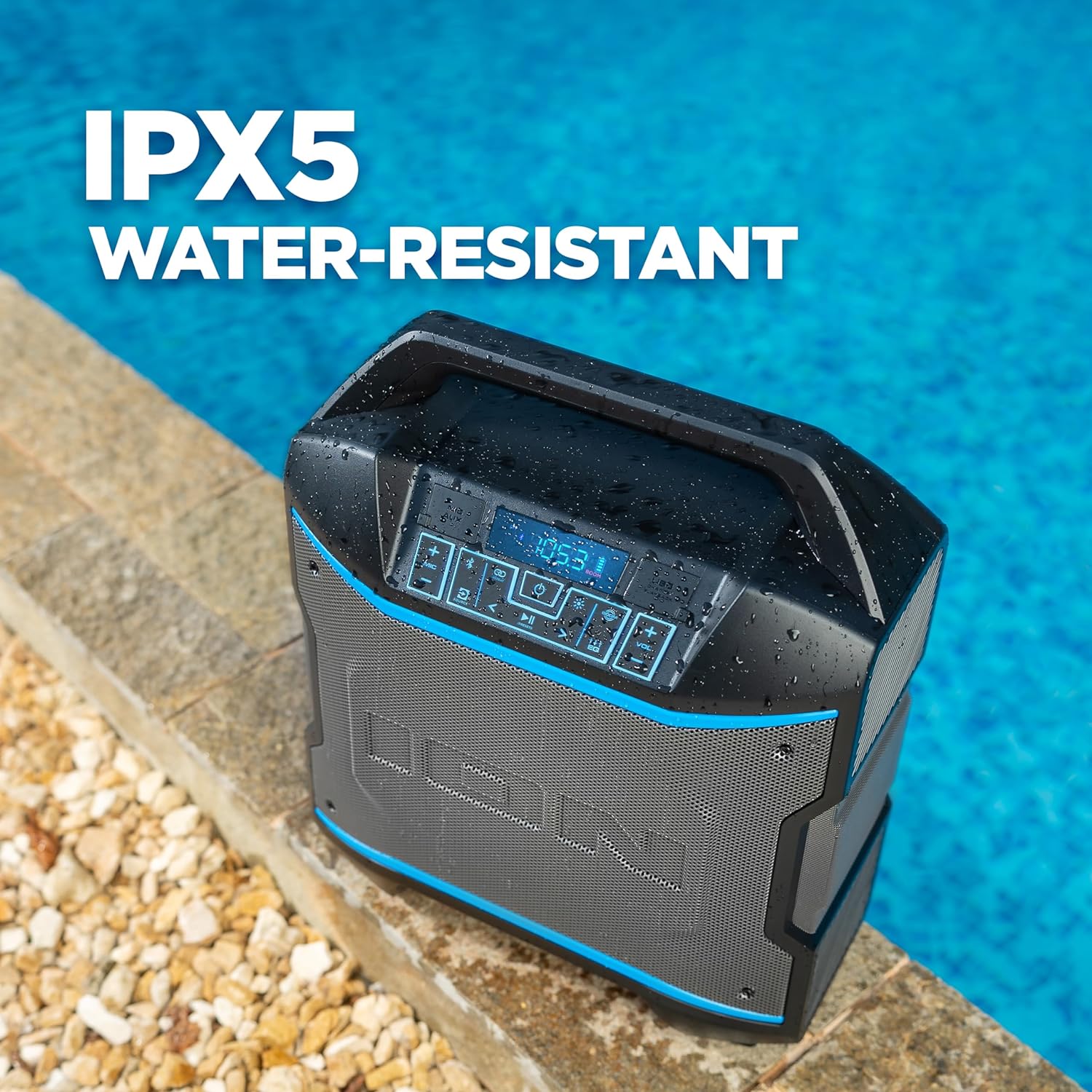 Block Rocker
High-Power Portable Bluetooth® Speaker with 4-Speaker Cabinet and Premium Wide Sound
-
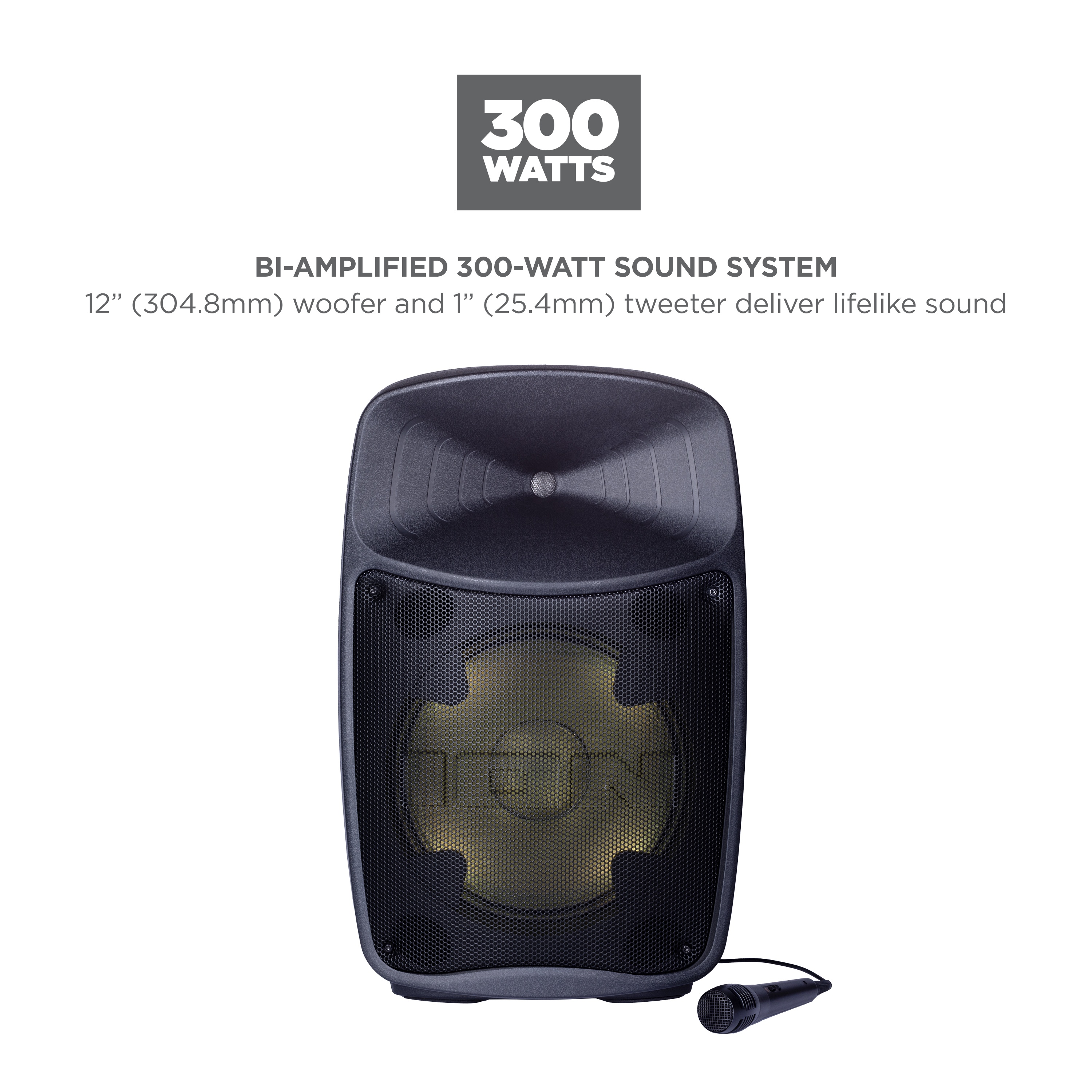 Pro Glow Ultra
High-Power Bluetooth®-Enabled Speaker System With Premium Wide Sound and Lights
-
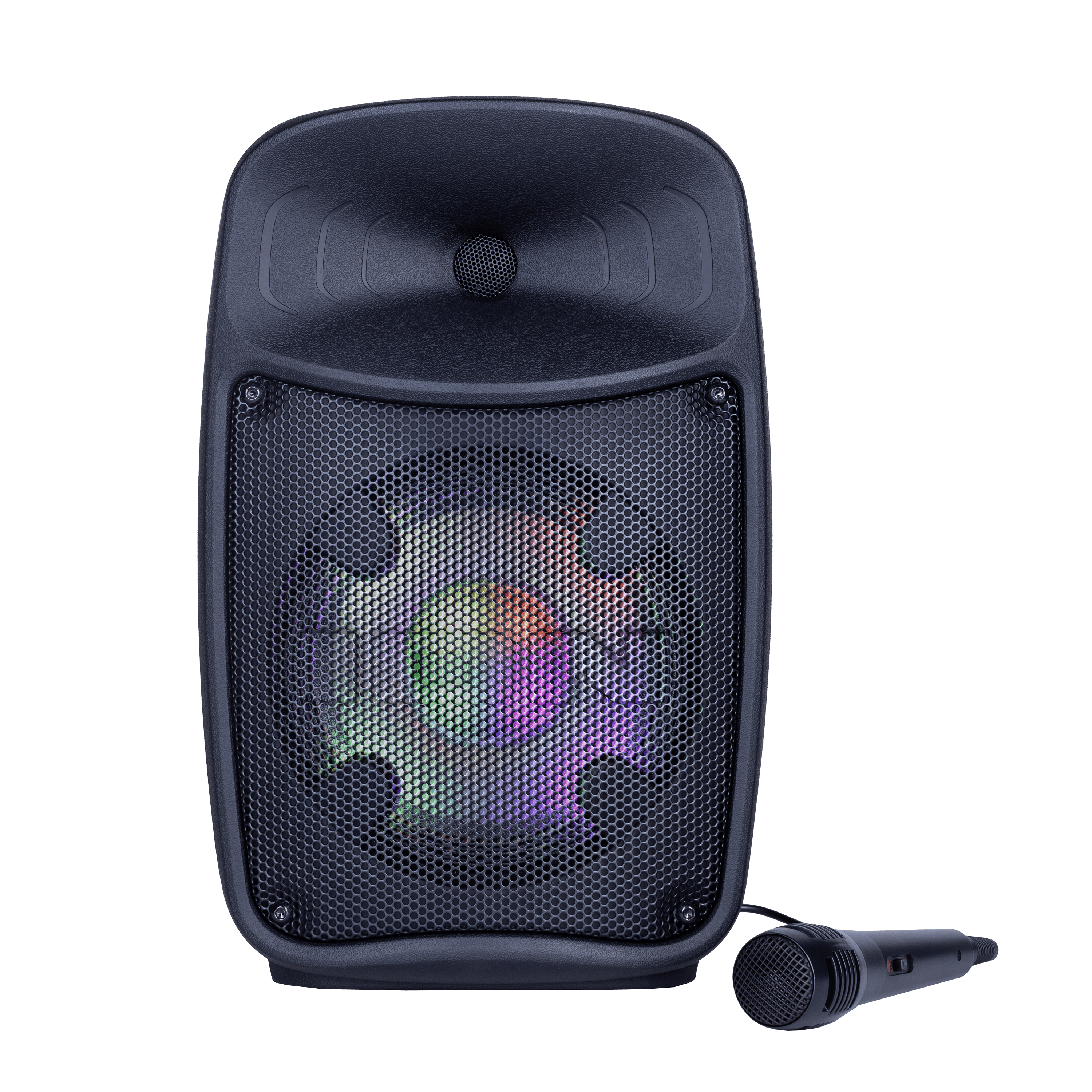 Pro Glow Express
Compact, portable Bluetooth speaker system featuring Sonic Wide Audio™ design. Sonic Wide Audio™ delivers premium sound to the front, left, and right of the speaker
